Lesson 6
Sending an XRP Payment
A step-by-step guide to making secure and efficient XRP transactions.
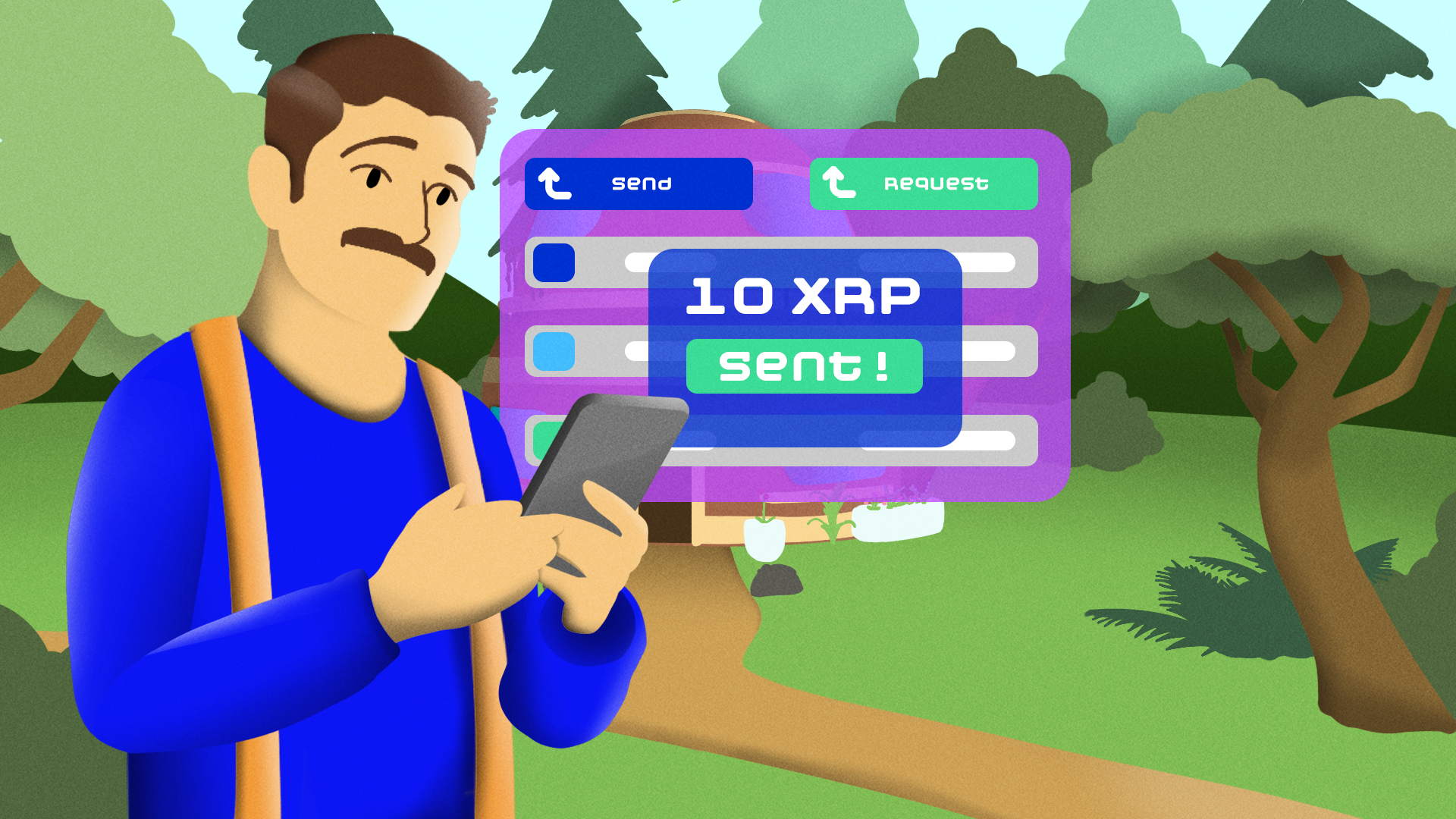
Sending XRP is quick and inexpensive, but ensuring accurate recipient details is crucial. Mistakes like incorrect addresses or missing destination tags can lead to lost funds, especially when transferring to exchanges.
This guide covers the step-by-step process of sending XRP securely while avoiding common transaction errors.
Step-by-Step Process
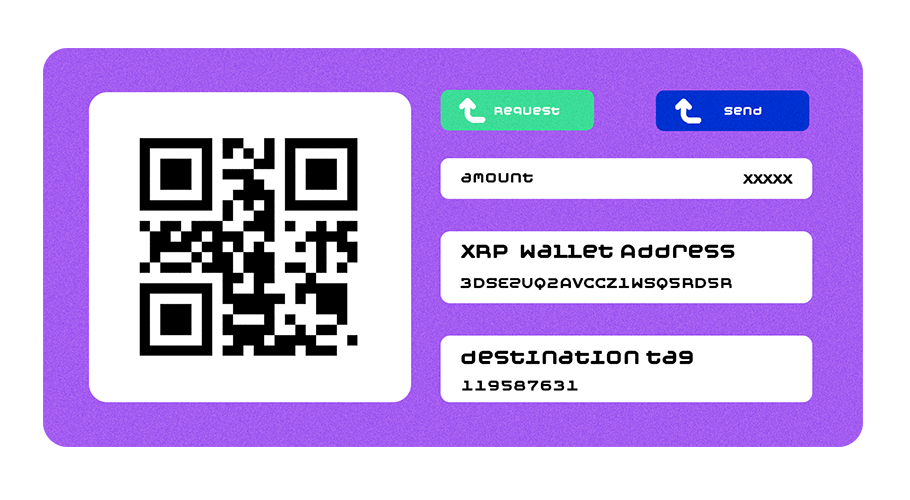
Follow these steps to send XRP safely:
1. Enter recipient details
Input the XRP address or XNS username (where available and if supported by the recipient’s wallet or platform). Native XRP addresses are unique strings starting with “r”, and some wallets (like Xaman) support XNS usernames, though this isn’t yet universal. That said, XNS adoption is expected to proliferate.
2. Include destination tag (if required)
Exchanges like Binance require destination tags to credit funds to the correct account. Note that destination tags are critical for exchanges to identify individual accounts sharing one address.
3. Set amount and review fees
XRP fees are extremely low (typically less than 0.00001 XRP), but always verify the total amount before proceeding.
4. Confirm and send
Double-check all details before finalizing the transaction. Once sent, XRP transactions settle in seconds.
Visual Aids for Different Wallets
Different wallets have slightly different interfaces, but the process remains similar:
Xaman Wallet (formerly Xumm)
- Designed for XRP Ledger transactions with built-in tag warnings.
- Works on iOS & Android
- Official web site: https://xaman.app/
Ledger Products
- Various hardware wallets providing enhanced security.
- Official web site: https://www.ledger.com/
Trust Wallet
- A multi-asset wallet supporting XRP with a user-friendly interface.
- Available as a mobile app or browser extension.
- Official web site: https://trustwallet.com/
Exodus Wallet
- A standalone desktop and mobile wallet.
- https://www.exodus.com/
Atomic Wallet
- A standalone desktop and mobile wallet.
- https://atomicwallet.io/
Users should consult official guides or video tutorials to familiarize themselves with their chosen wallet’s interface. As official guide links change, we recommend visiting the official links and looking on their sites and support pages to find the most up-to-date install guides.
Troubleshooting & Avoiding Errors
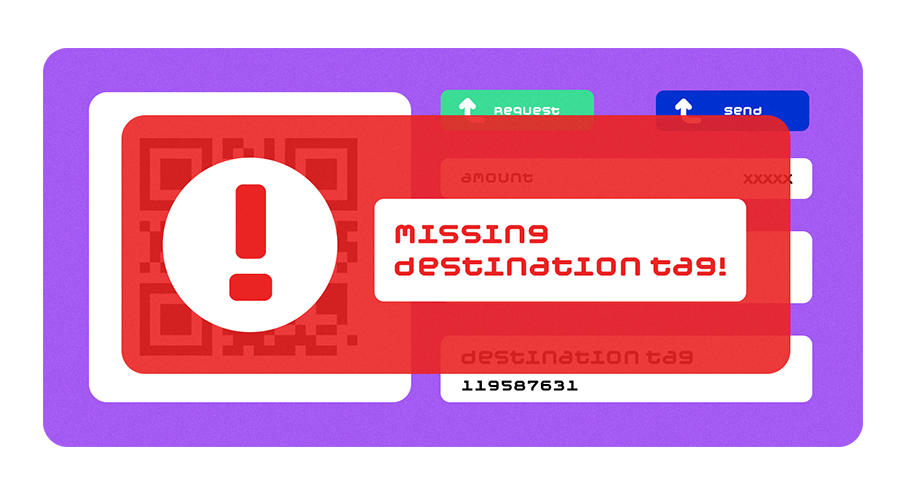
To prevent transaction issues:
1. Verify recipient address
Mistyped addresses cannot be recovered.
2. Check destination tag requirements
Some platforms require tags for proper fund allocation.
3. Confirm transaction details
Double-check before sending, as XRP transactions cannot be reversed.
Following these precautions ensures smooth, hassle-free transactions.